
GuesthouseVM
Virtual machines on the Mac, with Apple's framework alone.
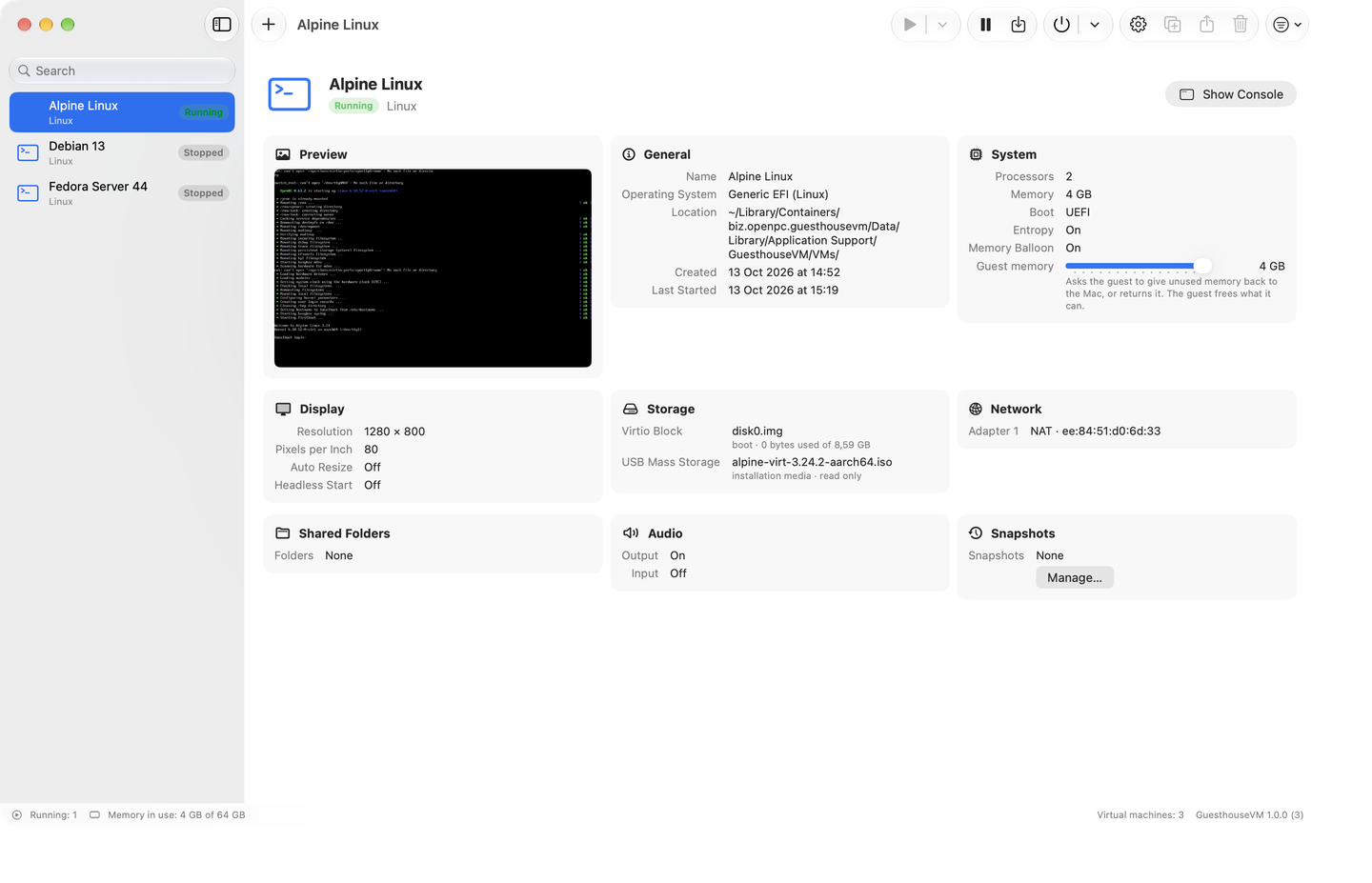
A library of machines, a creation wizard, settings, a console window and snapshots: the experience of a classic VM manager, built only on Apple's Virtualization framework.
Requires macOS 27 on a Mac with Apple silicon.
What it does
Everything Apple's framework allows, without third-party code.
Virtualization.framework only
No QEMU, no third-party dependencies: machines run on Apple's hypervisor, fast and integrated with macOS.
Linux and other aarch64 systems
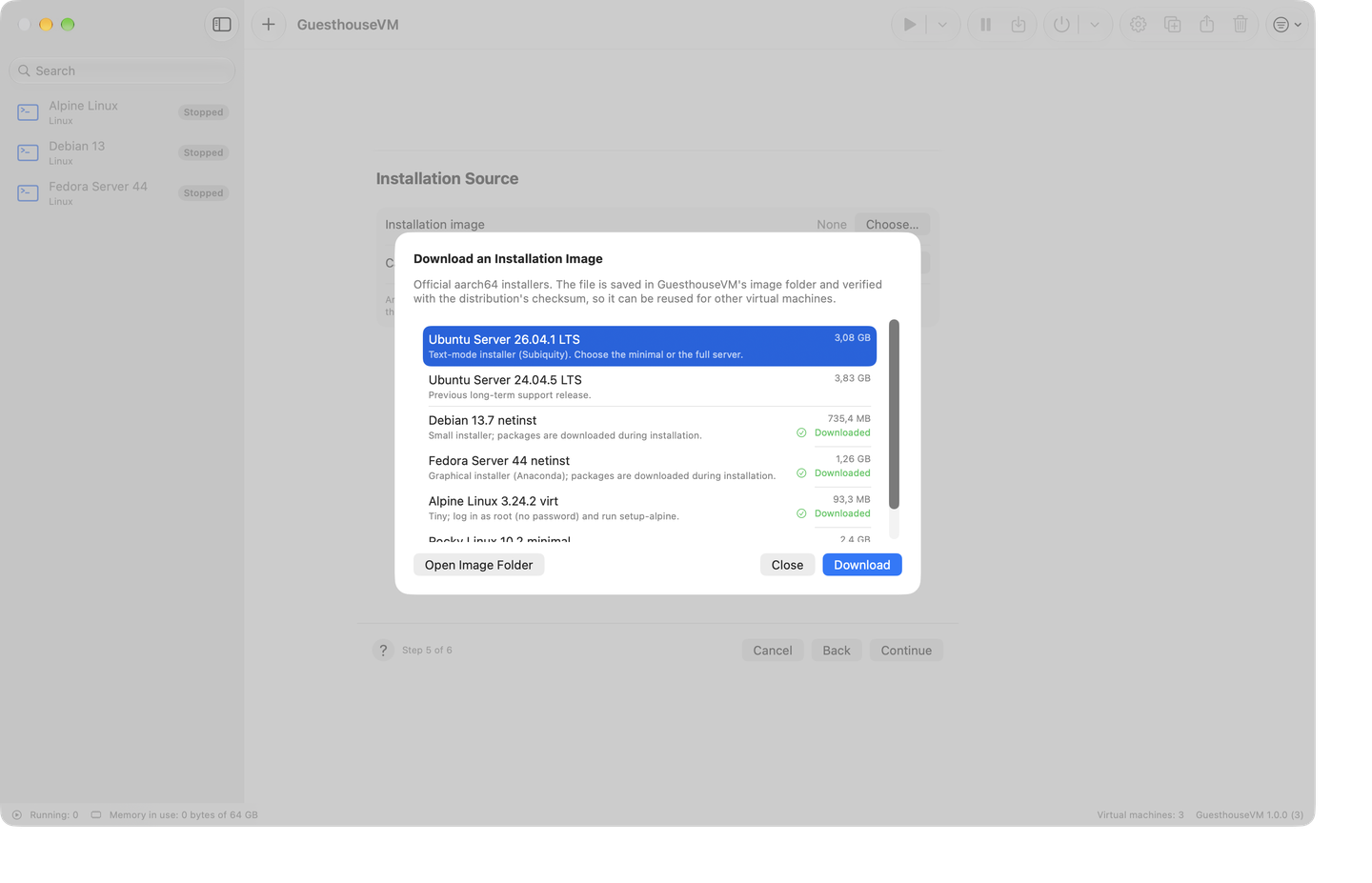
EFI boot from an ISO or a ready-made disk image (cloud images included), direct Linux kernel boot, a catalog with Ubuntu, Debian, Fedora, Alpine and Rocky downloaded and verified by the app.
macOS guests
Installed from the latest restore image supported by your Mac or from a local IPSW file.
cloud-init first boot
User, password and SSH key written to a NoCloud seed disk the app generates: cloud images are ready in a minute.
Full console
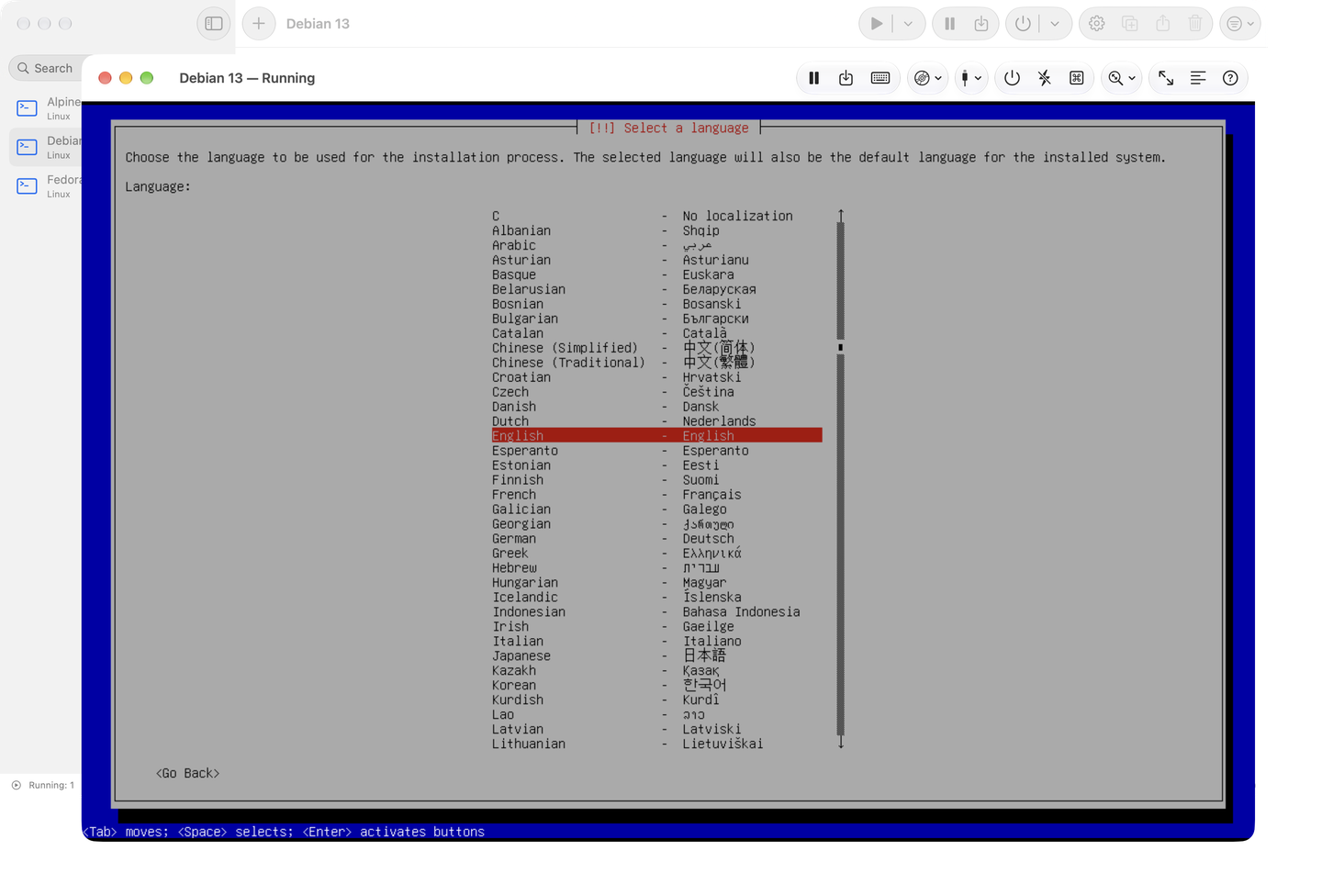
Keyboard capture, Ctrl+Alt+Del, scaling, full screen, interactive serial console, ISO images inserted while running.
USB passthrough
USB sticks, readers and adapters of the Mac connected to the virtual machine, with macOS staying in control.
Snapshots and saved state
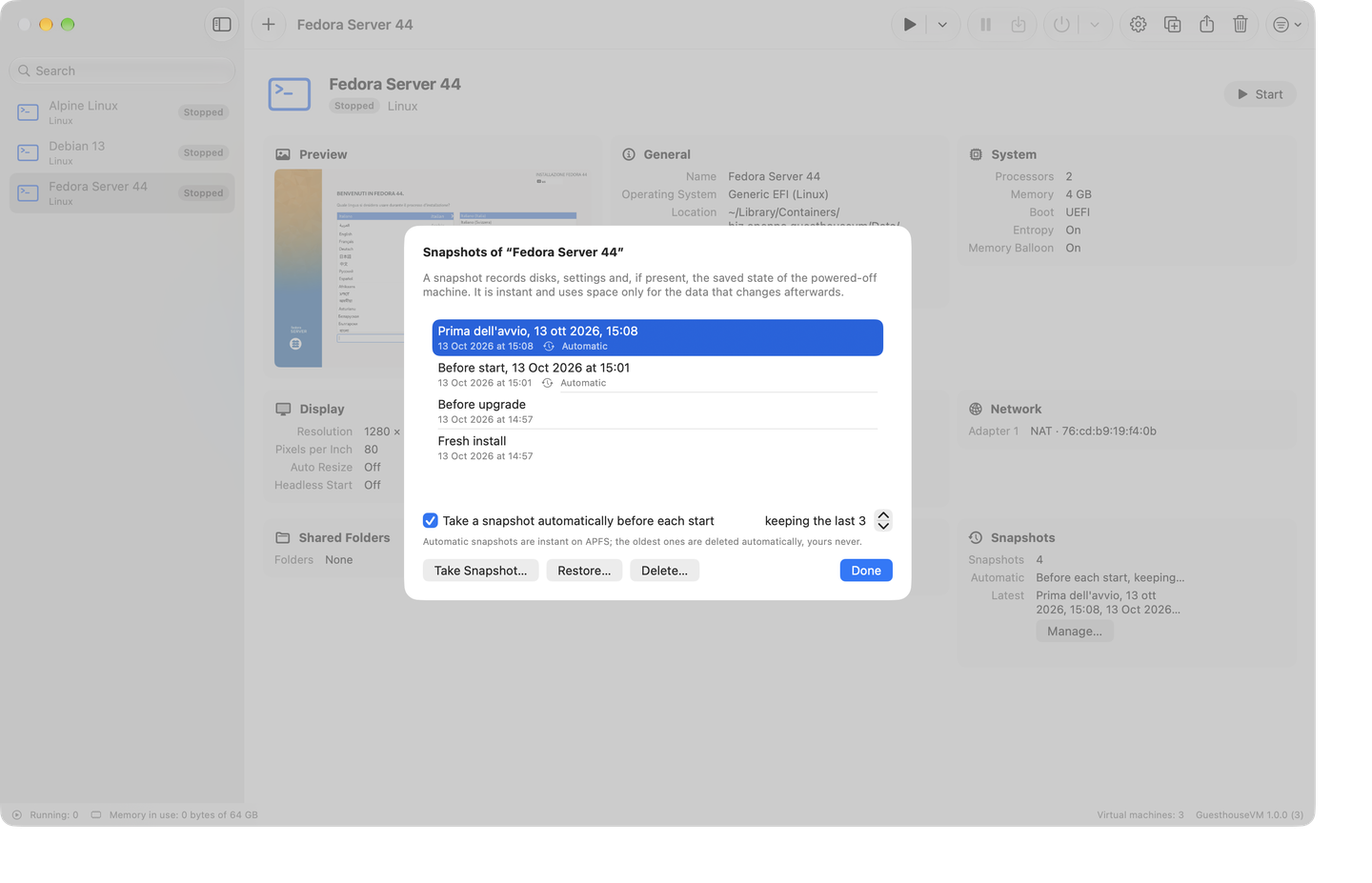
Instant snapshots on APFS, automatic ones before each start if you like; suspend and resume the machine.
Disks, network and folders
Raw and ASIF disks, resize and compact, NAT networking with the guest IP shown, shared folders, clipboard, Rosetta for x86_64 binaries.
Screenshots
How it works
No emulation
aarch64 machines use the Mac's hypervisor through Virtualization.framework, the same one Apple uses. No QEMU, no kernel extensions, no extra drivers.
Sandboxed app
GuesthouseVM runs in the macOS sandbox: it only touches the files you choose. Machines live in .ghvm packages you can move, clone and export.
Open formats
Raw or ASIF disks, standard ISO images, a readable JSON configuration. No proprietary format locks you in.
Open source
The source is published under the Apache 2.0 license: read it, build it, contribute.